Drag And Drop Attachments
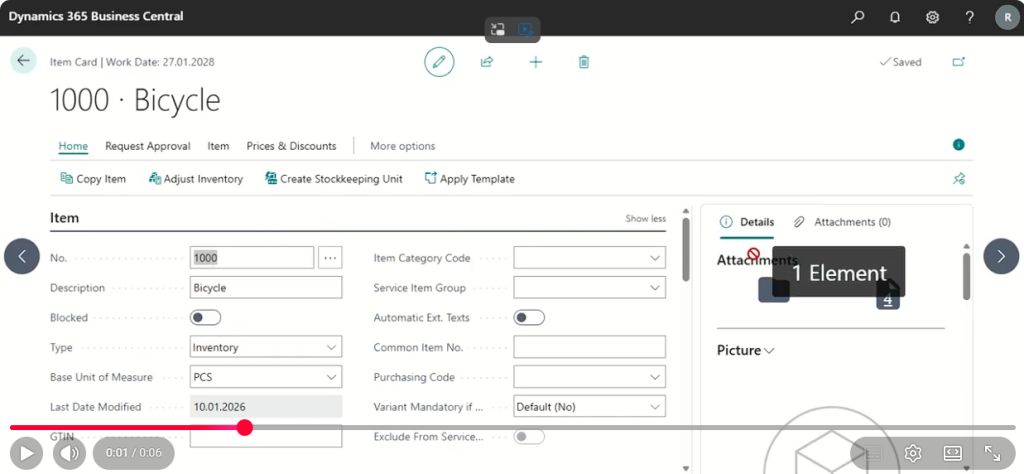
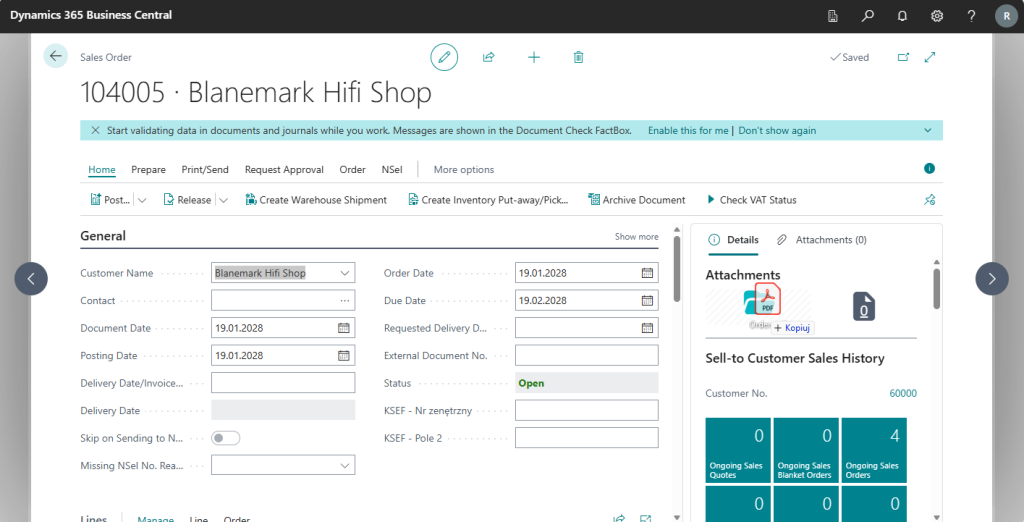
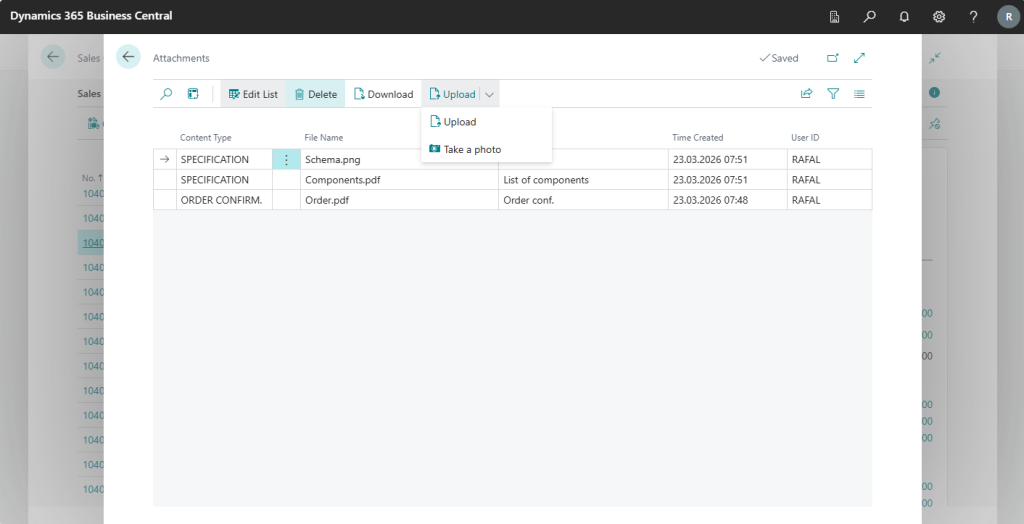
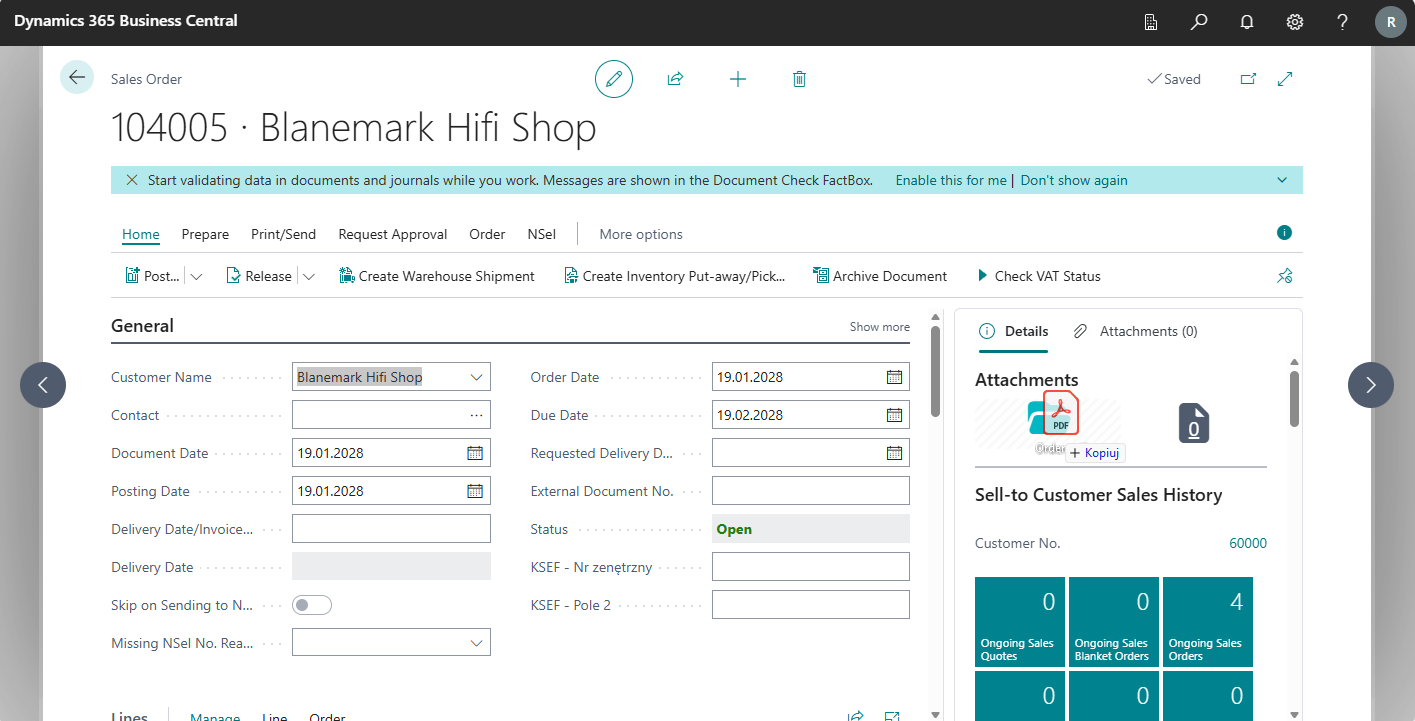
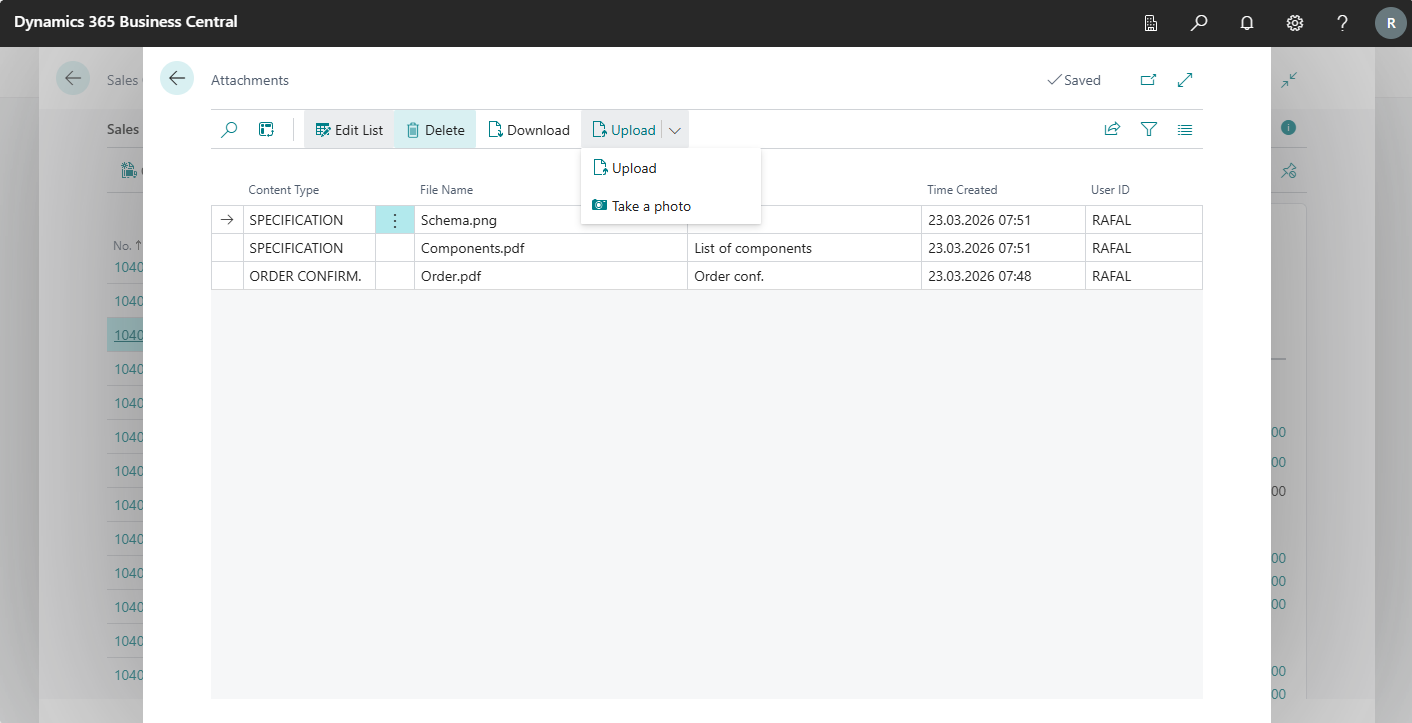
Drag And Drop Attachments simplifies attachment handling in Microsoft Dynamics 365 Business Central, but its strongest value is flexibility. The app not only makes it easier to add files to records, it also allows companies to choose a working model that fits their real operational and technical requirements.
For some organizations, the key advantage is the ability to keep files outside the cloud and use local storage infrastructure. For others, the main benefit is Microsoft 365 integration and the option to attach emails and files directly from Outlook. These two areas make the app stand out from basic attachment add-ons.
Key benefits
- storage flexibility aligned with the company’s data policy,
- support for local repositories, including Synology-based storage,
- Microsoft 365 integration for smoother Outlook-based workflows,
- faster document handling directly in Business Central.
Key differentiators
Multiple storage models, not cloud-only
Not every customer wants to keep attachments only in cloud services. That is why the app supports different storage models, including local infrastructure such as Synology. This gives companies more control over architecture, compliance, and long-term file management.
Microsoft 365 and Exchange Online integration
The app supports integration with Microsoft 365, including Exchange Online, making it possible to attach emails and files directly from Outlook. This is especially valuable in organizations where a large part of business communication and documentation arrives by email.
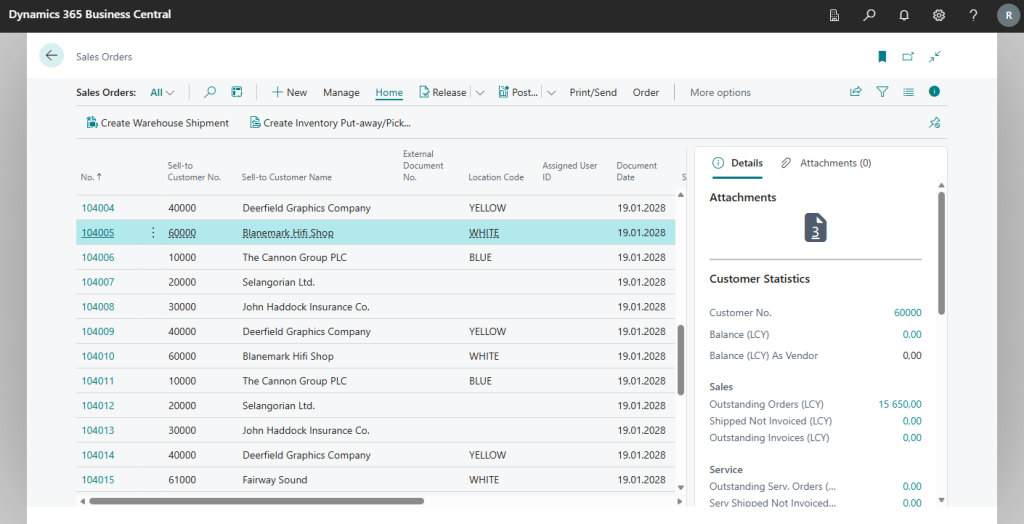
Attachment handling in record context
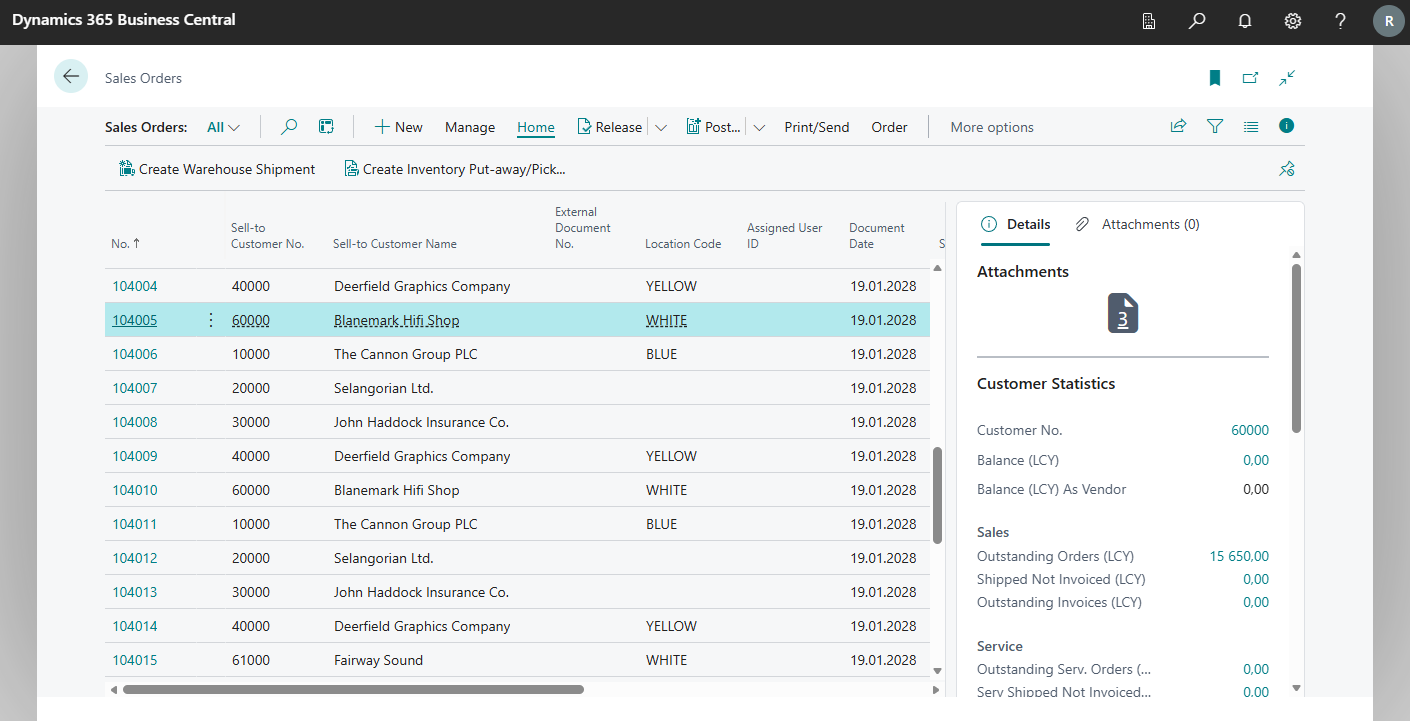
Everything happens in the context of a specific Business Central record. Users do not need to move files between tools or go through unnecessary intermediate steps, which makes the process faster and more structured.
Where the app delivers the most value
Drag And Drop Attachments is especially useful where documents and email communication are a core part of the process and the company wants to stay free to choose how files are stored. It is a strong fit for organizations that want the convenience of Business Central with an architecture aligned to their own operating rules.
Let’s talk
If you want to simplify document handling in Business Central while keeping control over how files are stored, Drag And Drop Attachments is a strong place to start.
Drag And Drop Attachments
Drag And Drop Attachments simplifies attachment handling in Microsoft Dynamics 365 Business Central, but its strongest value is flexibility. The app not only makes it easier to add files to records, it also allows companies to choose a working model that fits their real operational and technical requirements.

For some organizations, the key advantage is the ability to keep files outside the cloud and use local storage infrastructure. For others, the main benefit is Microsoft 365 integration and the option to attach emails and files directly from Outlook. These two areas make the app stand out from basic attachment add-ons.
Key benefits
- storage flexibility aligned with the company’s data policy,
- support for local repositories, including Synology-based storage,
- Microsoft 365 integration for smoother Outlook-based workflows,
- faster document handling directly in Business Central.
Key differentiators
Local storage or Clouud?
Multiple storage models, not cloud-only
Not every customer wants to keep attachments only in cloud services. That is why the app supports different storage models, including local infrastructure such as Synology. This gives companies more control over architecture, compliance, and long-term file management.
Microsoft 365
Attach emails directly from Outlook.
The app supports integration with Microsoft 365, including Exchange Online, making it possible to attach emails and files directly from Outlook. This is especially valuable in organizations where a large part of business communication and documentation arrives by email.
Where the app delivers the most value
Drag And Drop Attachments is especially useful where documents and email communication are a core part of the process and the company wants to stay free to choose how files are stored. It is a strong fit for organizations that want the convenience of Business Central with an architecture aligned to their own operating rules.